If you already know someone’s username, finding them on OnlyFans should be easy… right?
Not exactly.
While username search is the most reliable method, many users still struggle because:
Usernames aren’t always exact
Profiles may not appear instantly
Search functionality is limited
Some accounts are hard to index
So in this guide, you’ll learn:
The fastest way to search OnlyFans by username
What to do if the username doesn’t work
Advanced methods to verify profiles
And how to use a better OnlyFans search engine for more accurate results
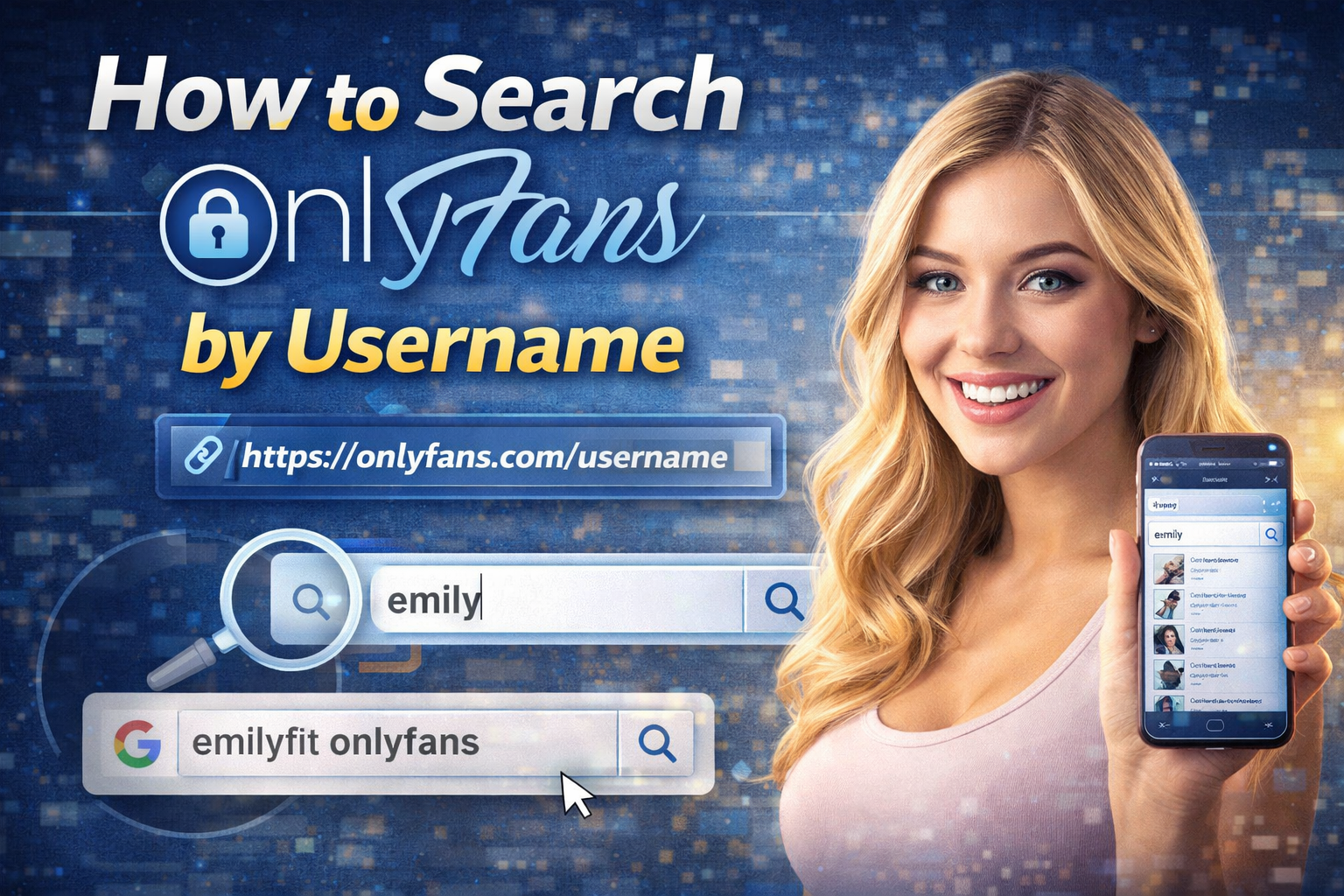
Why Username Is the Best Way to Search OnlyFans
Unlike platforms like Instagram, OnlyFans does not support strong discovery features.
That means:
👉 Username = the most direct path to a profile
If you have the exact username, your chances of finding the account increase dramatically.
Method 1: Search Directly on OnlyFans
If you already have an account:
Log in to OnlyFans
Use the search bar
Enter the exact username
Important Tips:
Use exact spelling (case doesn’t matter, but accuracy does)
Avoid spaces unless part of the username
Try variations if unsure
Method 2: Use the Direct Profile URL
This is the fastest and most reliable method.
Format:
https://onlyfans.com/username
Example:
https://onlyfans.com/emilyfit
If the username is correct, the profile will load instantly.
If not:
You’ll get an error page
Or be redirected
Method 3: Use Google to Search by Username
If OnlyFans search fails, Google can help.
Try:
"username" onlyfans
Or:
site:onlyfans.com username
This works best if:
The profile is indexed
The creator promotes their page publicly
However, this method is inconsistent.
What If You Don’t Have the Exact Username?
This is where most people get stuck.
You might only know:
A nickname
A social media handle
A partial username
A niche or category
In this case, searching directly on OnlyFans becomes ineffective.
Smarter Method: Use a Dedicated Search Engine
Instead of guessing usernames, you can use a structured search tool.
For example, if you’re trying to find creators based on body type or niche, browsing curated categories is much faster.
You can explore profiles through collections like thick & curvy OnlyFans models
This allows you to:
Discover creators even without exact usernames
Compare profiles quickly
Find similar accounts in the same niche
Search by Username + Category (Advanced Strategy)
Here’s a powerful approach most users don’t use:
Step 1:
Start with a partial username (e.g. “emily”)
Step 2:
Combine it with a category
For example:
Fitness
Tattooed
Latina
POV content
Step 3:
Browse within a filtered environment
If you're exploring a specific style, you can narrow it down using curated sections like tattooed OnlyFans creators
This dramatically increases your chances of finding the right profile.
Method 4: Cross-Check Social Media
Many creators use the same username across platforms.
Check:
Instagram
Twitter (X)
Look for:
Bio links
Link-in-bio tools
Matching usernames
Method 5: Discover Similar Profiles
If you already found one creator, you can find similar ones.
For example, if you’re interested in a specific aesthetic or niche, browsing collections is more effective than searching one-by-one.
You can explore trending profiles here: popular OnlyFans models
This helps you:
Expand your search
Discover alternatives
Save time
Common Mistakes When Searching by Username
❌ Typing the wrong username
Even a small typo = no results
❌ Using real names instead of usernames
OnlyFans does not search by real name effectively
❌ Expecting autocomplete
The search system is limited
❌ Not checking external sources
Many profiles are easier to find outside OnlyFans
Pro Tips for Faster Results
Always try the direct URL first
Use Google as a backup
Cross-check social media
Use a search engine for discovery
Combine username + niche
When Username Search Isn’t Enough
If you only know:
A category
A location
A general description
Then username search alone won’t work.
In that case, browsing structured listings is the best approach.
For example, if you're exploring specific content styles, you can browse POV-style OnlyFans creators
This helps you discover profiles even without exact information.
Final Answer
How do you search OnlyFans by username?
The best methods are:
Direct URL (fastest)
OnlyFans search bar (if logged in)
Google search (backup)
External search engines (best for discovery)
If you have the exact username, finding someone is easy.
If you don’t — using a structured search system is the smartest approach.